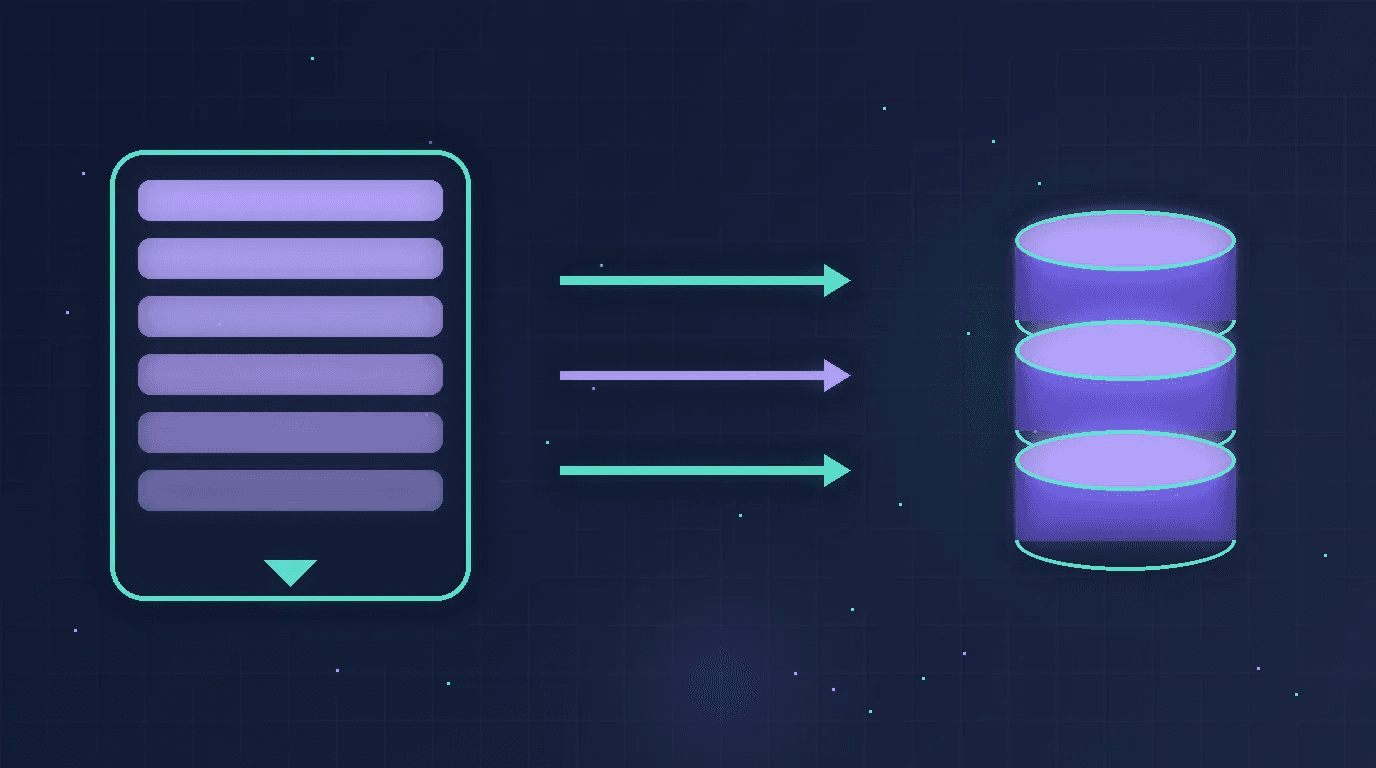
You want a feed that keeps loading as people scroll. The hand-written version needs an IntersectionObserver, a page counter, a merge that doesn’t duplicate rows, and a reset for when a filter changes. Inertia ships all of that as one server method and one Vue component.
TL;DR
- On the server, wrap the paginator:
'posts' => Inertia::scroll(fn () => Post::latest()->paginate(20)). It works withpaginate(),simplePaginate(),cursorPaginate()and API resource collections. - On the client, wrap the list:
<InfiniteScroll data="posts">. It loads the next page near the end of the list and appendsposts.data. - When a filter changes, visit with
reset: ['posts'], or the new results get merged into the old ones. - Use
manualor:manual-after="3"for a “Load more” button, andreversefor chat-style lists.
What Inertia::scroll() actually changes#
A plain paginator prop is replaced on every visit. Inertia::scroll() adds two things to the page object, and we checked both in the lab:
"mergeProps": ["posts.data"],
"scrollProps": {
  "posts": { "pageName": "page", "previousPage": null, "nextPage": 2, "currentPage": 1, "reset": false }
}mergePropstells the client to append the next page’sposts.datato what it already has, instead of replacing it. When the client loads upward, it sends anX-Inertia-Infinite-Scroll-Merge-Intent: prependheader, and the response switches toprependProps.scrollPropsgives the component the page numbers, so it knows what to ask for next and when to stop. On the last page,nextPageisnull.
The same paginator without Inertia::scroll() had neither key, so nothing gets merged.
Inertia::scroll() came with Inertia 2.2 and inertia-laravel 2.0.8 (PR #774, September 2025). It is part of Inertia 3 as well.
The server side#
use Inertia\Inertia;

public function index(Request $request)
{
    return Inertia::render('Posts/Index', [
        'posts' => Inertia::scroll(fn () => Post::query()
            ->when($request->query('kind'), fn ($q, $kind) => $q->where('kind', $kind))
            ->latest('id')
            ->paginate(20)),
    ]);
}
Pass a closure, not the paginator. The closure only runs when the prop is actually requested, so other partial reloads on the page don’t re-run the query.
For long or busy feeds, prefer cursorPaginate(): there’s no COUNT(*), and new rows inserted at the top don’t shift the next page. We ran all three paginators. Cursor pagination used pageName: "cursor" with an opaque token as nextPage, and the next request returned rows 21–40 as expected. API resources work too: Inertia::scroll(fn () => PostResource::collection(Post::paginate(20))).
The Vue side#
<script setup lang="ts">
import { InfiniteScroll } from '@inertiajs/vue3'

defineProps<{
  posts: { data: { id: number; title: string }[] }
}>()
</script>

<template>
  <InfiniteScroll data="posts" :buffer="400">
    <article v-for="post in posts.data" :key="post.id">
      {{ post.title }}
    </article>

    <template #loading>
      <p class="text-muted">Loading more…</p>
    </template>
  </InfiniteScroll>
</template>datais the prop name, the same key you used in the controller.:buffer="400"starts loading 400 px before the end, so the next page is usually there before the user hits the bottom.- Always set
:keyto the row id. The component appends to the array, and Vue needs stable keys to keep the rows it already rendered.
By default the component also updates the URL (?page=3) as the user scrolls, so a refresh or a shared link lands near the same spot. Add preserve-url if you’d rather keep the address bar unchanged.
Reset the list when a filter changes#
This is the bug everyone hits once. The user is on page 3 of “all posts”, clicks “videos”, and the video results get appended to the 60 posts already on screen.
Tell Inertia to reset the prop on that visit:
import { router } from '@inertiajs/vue3'

function filter(kind: string) {
  router.get('/posts', { kind }, {
    only: ['posts'],
    reset: ['posts'],
    preserveState: true,
  })
}
With the X-Inertia-Reset: posts header, our response dropped mergeProps and set "reset": true in scrollProps, so the client replaces the list. It held the 15 videos and nothing else.
Gotcha: Forgetting reset doesn't throw
Without reset, the response looks normal and the merge simply does what it was told. You’ll only notice when old rows sit next to filtered ones, or the ids repeat. Any visit that changes the query (search, filter, sort) needs reset: ['posts'].
Load more instead of endless scrolling#
Endless feeds are hard to escape: the footer is unreachable, and keyboard users have to tab through hundreds of rows. Two props help:
<!-- Load automatically for 3 pages, then switch to a button -->
<InfiniteScroll data="posts" :manual-after="3">
  <article v-for="post in posts.data" :key="post.id">{{ post.title }}</article>

  <template #next="{ loading, fetch, hasMore, manualMode }">
    <button v-if="manualMode && hasMore" :disabled="loading" @click="fetch">
      {{ loading ? 'Loading…' : 'Load more' }}
    </button>
  </template>
</InfiniteScroll>
manual turns automatic loading off completely. The #next and #previous slots get loading, fetch, hasMore and manualMode.
Chats and timelines: reverse mode#
For a message list where the newest item is at the bottom, use reverse. Scrolling up then loads older messages:
<InfiniteScroll data="messages" reverse>
  <Message v-for="m in [...messages.data].reverse()" :key="m.id" :message="m" />
</InfiniteScroll>
The component handles where loading happens and keeps the scroll position steady. Displaying the rows in the right order is still your job, hence the .reverse() on a copy. Use only-next or only-previous when you only want one direction.
Tables and custom elements#
If the rows aren’t direct children of the component, point it at the element that holds them:
<InfiniteScroll data="users" items-element="#users-body">
  <table>
    <tbody id="users-body">
      <tr v-for="user in users.data" :key="user.id"><td>{{ user.name }}</td></tr>
    </tbody>
  </table>
</InfiniteScroll>
as="ul" renders the wrapper as a list element instead of a div.
What to test#
The browser behaviour belongs to Inertia. What you own is the server response, and that’s easy to test:
use Inertia\Testing\AssertableInertia as Assert;

test('the feed sends 20 posts and asks the client to merge', function () {
    Post::factory()->count(45)->create();

    $response = $this->get('/posts');

    $response->assertInertia(fn (Assert $page) => $page
        ->component('Posts/Index')
        ->has('posts.data', 20));

    expect($response->viewData('page')['mergeProps'])->toBe(['posts.data']);
    expect($response->viewData('page')['scrollProps']['posts']['nextPage'])->toBe(2);
});
In our lab, this pattern covered page 2 (ids 21–40 with previousPage 1 and nextPage 3), the last page (5 rows, nextPage null), the prepend header, the reset header, and the cursor and simple paginators.
Try it yourself
Take a paginated index page, wrap the paginator in Inertia::scroll(fn () => ...), and replace your pagination links with <InfiniteScroll data="...">. Then add a filter button that visits with reset: ['...'], and confirm that the ids don’t repeat after you switch filters.
When to keep page links#
| Use | Pick |
|---|---|
| Social feed, activity stream, image grid | Infinite scroll, or manual-after |
| Chat history | reverse |
| Admin table where people jump to page 37 or need a total | Classic pagination |
| Search results that people compare and share | Pagination, or infinite scroll with URL sync on |
| A page with an important footer | manual or manual-after |
Recap#
Inertia::scroll()addsmergePropsandscrollProps, so the next page is appended rather than replacing the list.<InfiniteScroll data="posts">loads near the end, appendsposts.data, and syncs?page=in the URL.- Every filter, search or sort visit needs
reset: ['posts']. manual-afterand the#nextslot give you a “Load more” button.reversehandles chat lists.- Use
cursorPaginate()for long feeds that change while people read.
FAQ#
Which Inertia version has infinite scroll?
Inertia 2.2 with inertia-laravel 2.0.8 (September 2025) added Inertia::scroll() and <InfiniteScroll>. It is part of Inertia 3. We tested on inertia-laravel 3.7.0 and @inertiajs/vue3 3.11.0.
Why do my results duplicate after I change a filter?
The visit merged into the old list. Add reset: ['posts'] (with only: ['posts']) to any visit that changes the query.
Can I use cursorPaginate() with Inertia::scroll()?
Yes. The page name becomes cursor and nextPage is the cursor token. It skips the count query and stays stable when new rows are inserted at the top.
Does infinite scroll work with API resources?
Yes. Pass the resource collection: Inertia::scroll(fn () => PostResource::collection(Post::paginate(20))). For custom shapes, use the wrapper and metadata arguments.
How do I show a Load more button instead?
Add manual to <InfiniteScroll>, or :manual-after="3" to switch after three pages, and render a button in the #next slot using its fetch and hasMore values.
Next steps#
- Laravel and Vue pagination, when classic page links are the better fit
- Render simplePaginate without a last page
- Order a cursor page by id, for stable cursor feeds
- Inertia deferred props in Vue, to load slow parts of the page after it renders